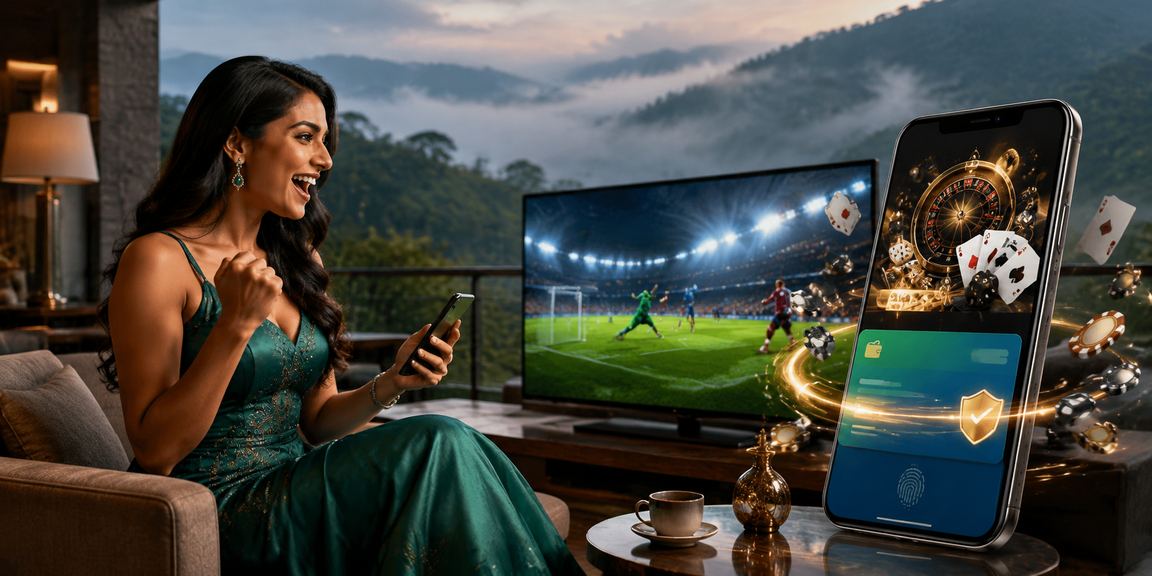
The full uttaran20 platform, right in your pocket — anytime, anywhere. A lightweight, fast, and secure app — install it now.
The uttaran20 app works seamlessly across Android, iOS, and mobile browsers — all three.
Click the "Download Android APK" button below.
Go to your phone's settings and enable "Install from Unknown Sources".
Open the downloaded APK file and install it.
Open the app, log in or register — and you're all set!
Open the Safari browser on your iPhone or iPad.
Tap the iOS link below and you'll be redirected to the App Store.
Tap "Get" or "Download" and wait for the installation to complete.
Once installation is complete, open the app and sign in to your uttaran20 account.
Open uttaran20.bet in mobile Chrome or Safari.
From the browser menu, select the "Add to Home Screen" option.
It works as a PWA — giving you a full app-like experience.
Start playing instantly — no APK or App Store required.

More than just a betting app — uttaran20 is built with Bangladeshi users in mind.
A lightweight app at just 24 MB — loads fast and runs without lag, even on a slow network.
Get instant updates on match starts, odds changes, deposit confirmations, and promotions.
Log in instantly with fingerprint or face unlock — no need to remember your password.
256-bit SSL encryption and two-factor authentication. Your data and BDT are always secure.
Mobile Pay, Nagad, and Rocket are integrated directly into the app. Deposits and withdrawals done in just a few taps.
Watch live streams of selected matches right in the app. Place your bets and follow the results in real time.
To reduce eye strain during late-night sessions, the uttaran20 app features a built-in Dark Mode.
Reach live chat support without ever leaving the app. Available 24/7 in Bengali.

| Version | V3.8.1 (Latest) |
| File Size | 24 MB |
| Minimum Android | Android 6.0 (Marshmallow) |
| Architecture | ARM64, ARMv7 |
| Last Updated | July 2026 |
| Permissions | Internet, Storage, Notifications |
| Version | V3.8.1 |
| File Size | 31 MB |
| Minimum iOS | IOS 13.0 |
| Compatibility | IPhone, iPad |
| Last Updated | July 2026 |
| Language | Bengali, English |
Before installing the APK, enable "Unknown Sources" or "Install from Unknown Sources" in your phone's settings. You can turn it off again once the installation is complete.
Choosing a betting app in the smartphone era can be tricky. There are plenty of options out there, but most are bloated, slow, or fall short on security. uttaran20 built its app with exactly these pain points in mind. At just 24 MB, it runs effortlessly on older devices and holds up well even on a weak internet connection.
What sets the uttaran20 app apart is its interface built specifically for Bangladeshi users. A fully Bengali UI, familiar payment methods, and local sports front and center — it all feels tailor-made for you. Betting on cricket, football, kabaddi, or any international event has never felt this effortless.
Uttaran20 never compromises on security. The app uses 256-bit SSL encryption, keeping your personal information and financial transactions protected at all times. Enabling two-factor authentication adds an extra layer of security to your account. No third party can gain access to your uttaran20 account.
The push notification feature is especially handy. Even when you're outside the app, important match updates, odds changes, and promotions are delivered straight to your phone — so you never miss an opportunity. Live betting on uttaran20 is even more exciting in the app, with real-time odds updates appearing instantly.
The uttaran20 app is updated regularly — each release brings new features, bug fixes, and performance improvements. Keeping update notifications on makes it easy to stay on the latest version. Some features may not work correctly on older versions, so it's worth updating when prompted.
The uttaran20 app has been tested across a range of devices and operating systems. Below are performance scores for popular device categories.
The uttaran20 app runs smoothly even on a 3G connection. Data Saver mode uses just 50–80 MB per month.
Thanks to optimized code, the uttaran20 app uses minimal battery. Even during long sessions, your phone stays cool.
When a new version is available, the uttaran20 app will automatically send you an update notification.
Use the app entirely in Bengali — menus, buttons, and notifications are all available in Bengali.